Adobe Dreamweaver
Adobe Dreamweaver for creating and designing web pages in a modern style, with editing abilities in Live View

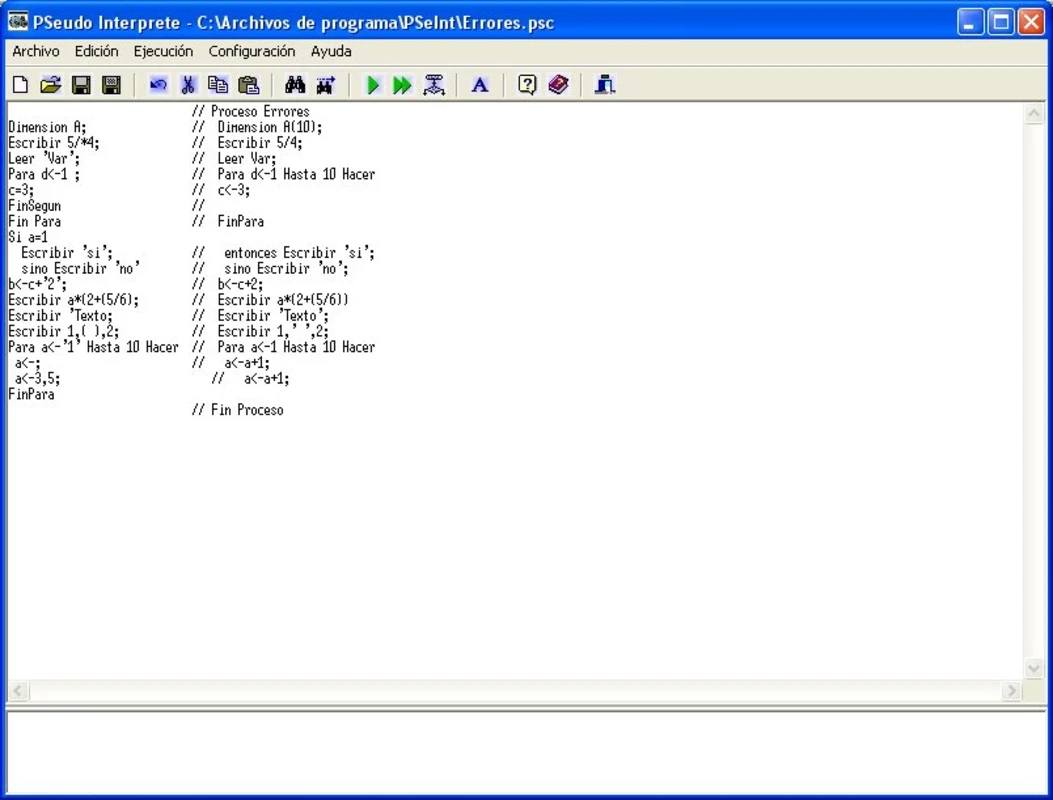
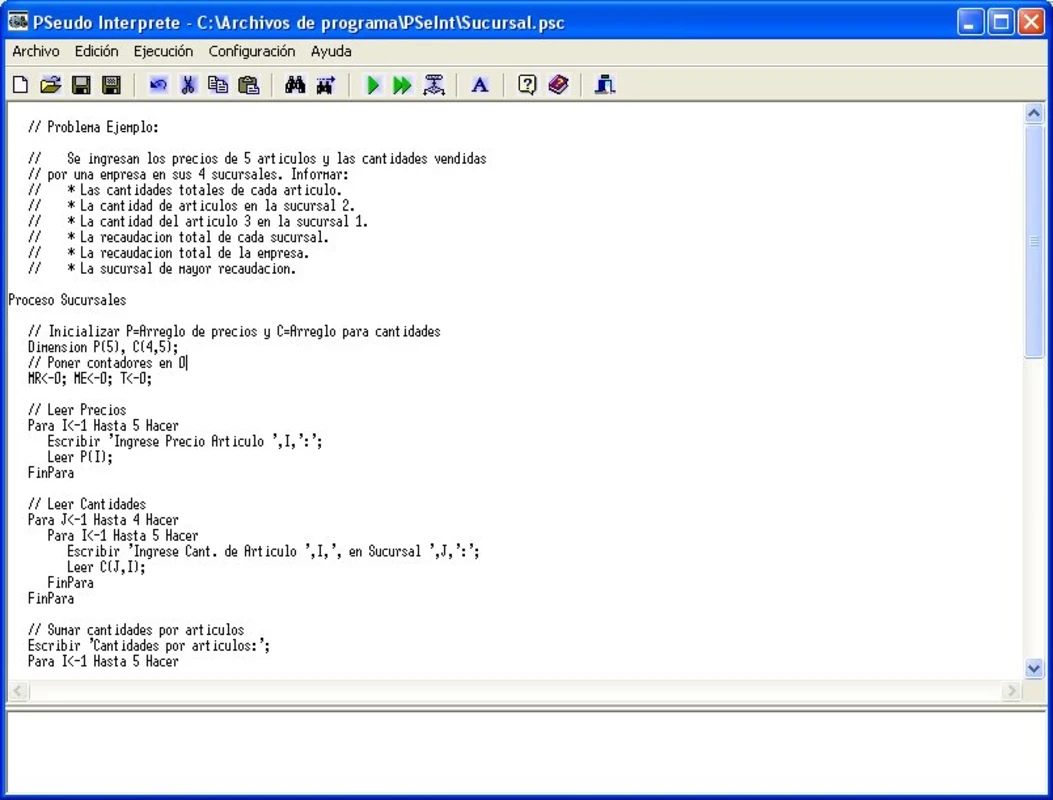

PSeInt is a beginner-friendly tool to offer programming concepts with support of Pseudocode. It allows the students to learn programming logic and algorithms, instead of using the lengthy process of syntax rules of specific programming languages. It supports multiple languages and debugging tools to check the code easily.
The software with a user-friendly interface offers multiple innovative features such as flowcharts, debugging tools, structured programming, and so on, to enable the students to understand the core concepts and enhance their capabilities to manage algorithm development and logical reasoning more reliably.
PSeInt is the abbreviation of Pseudocode Interpreter, specifically designed for the educational field, which was created in Argentina. It offers the basics of computer programming and algorithms. It has two versions: the Desktop OS interprets Pseudocode in Spanish, and the Android version interprets Pseudocode in English, Spanish, and Portuguese. It is developed by Pablo Novara and falls in the General category.
It is the best combination of programming language, plain language, and instructions for describing an algorithm more effectively. It helps the students to write algorithms in pseudo-language while offering a set of aids and assistance.
Download the app from the official platform, or simply click the “Download” button given on the page, and select the version compatible with your operating system. Extract the downloaded files, and click to open them. Start the installation while following the on-screen instructions. You also need to accept the license agreement and select an installation directory. Launch the app, and navigate to configure the initial settings including language preferences, default Pseudocode templates, etc.
The user-friendly interface is simple and quickly accessible, even for beginners. It includes a text editor, menus, toolbars, and the main workspace. It allows the students to boost the interactive learning, highlight syntax, and execute a simulation.
The app with beginner-friendly offers a worth exploring environment and multiple resources to learn the basic programming concepts such as structure controlling, expressions, and variables. It helps to avoid the irritation of struggling with complex syntax. Write algorithms, detect errors, and help to understand the programming logic more reliably. However, it is just for understanding the basic programming concepts, and not to develop real software.
Syntax Highlighting is one of the best features for minimizing the cognitive load to learn the syntax of an actual programming language; instead, it highlights the errors to make the code easily readable. So, the students do not need to understand the actual fundamental concepts of any programming language. Likewise, the software debugging tools are used to identify the mistakes and correct them quickly.
Support Multiple Languages
The support for multiple programming languages, including C, C++, C#, Java, JavaScript, MATLAB, Pascal, PHP, Python2, Python3, and QBasic Visual Basic, enables users to convert pseudo-code into different languages, and use different environments to practice algorithms.
No doubt, the app offers basic concepts for any programming language, and does not allow creating actual software. It enables the students to learn programming fundamentals, but it gradually leads them to advance to real programming languages. It helps in learning actual languages more intuitively while offering a solid foundation in programming logic.
The illustration of basic control structures, including loops, branching, and conditionals, is also possible while using Pseudocode. No need to worry about the syntax of actual programming languages; instead, focus on the logic and flow of control. Likewise, it also offers a clear and readable Pseudocode format for declaring as well as using the variables, understanding of data types, and performing operations on them.
The students are also capable of learning about the evaluation and interactions of operators as well. It allows the students to practice writing expressions and perform calculations with the help of operators. The operators also help to make accurate and quick comparisons.
It is one of the best and reliable platforms to offer a plethora of features, specifically for students to practice algorithm logic and improve their language skills. It gives you a chance to gain deep insight into the algorithms while using innovative functionality such as code visualization, step-by-step execution, input/output simulation, and a lot of others. It offers an enriching learning experience to strengthen the algorithm thinking and programming skills.
Pros
Cons

Adobe Dreamweaver for creating and designing web pages in a modern style, with editing abilities in Live View

Notepad++ is an open-source utility, supports multiple programming languages to edit text and source code

XAMPP empowers web developers to build a local web server with the addition of MySQL, PHP, and Perl.

Android Studio builds Android apps with support for a comprehensive development environment